
Screenshot Manager
That Works For You.Captr is the best way to manage your screenshots. Whether you're saving something to buy, an article to read, or an idea to revisit, Captr helps you keep everything organized, and easy to find. This is a powerful screenshot manager for iOS.
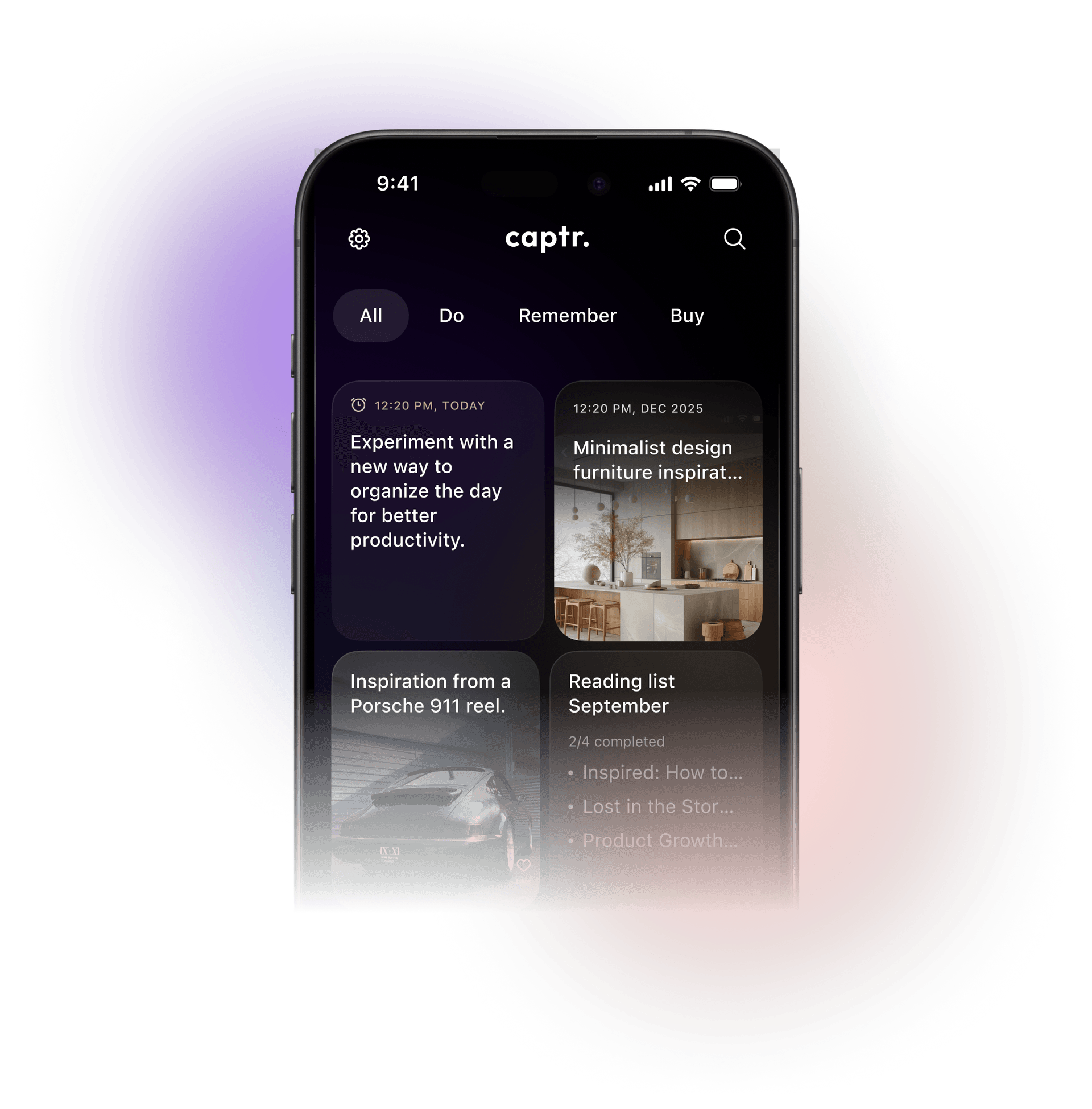

Task manager.
Captr is the app for screenshot iPhone users rely on to turn saved screens into organized tasks. It’s always ready when you need it.

Idea generator.
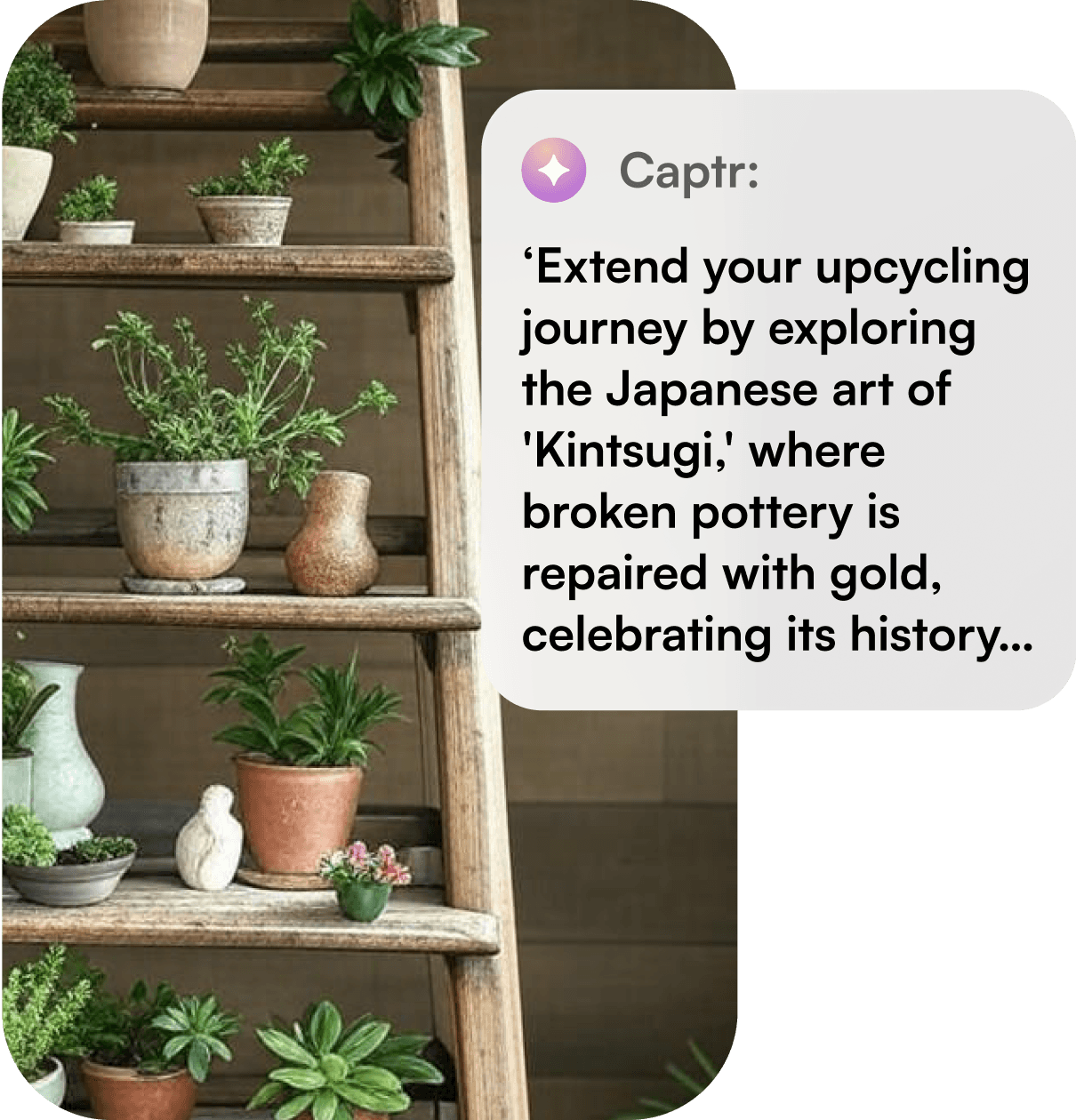
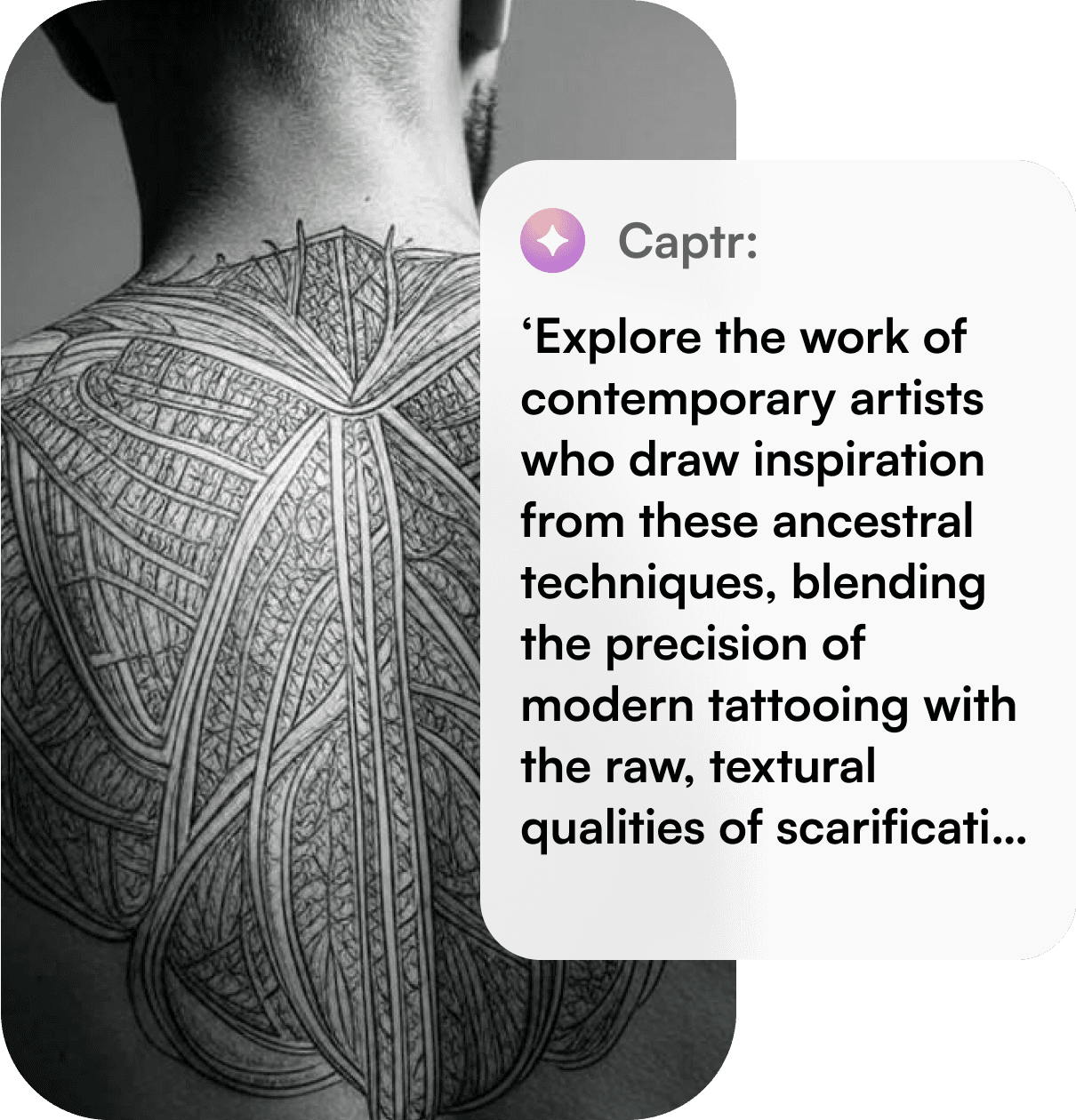
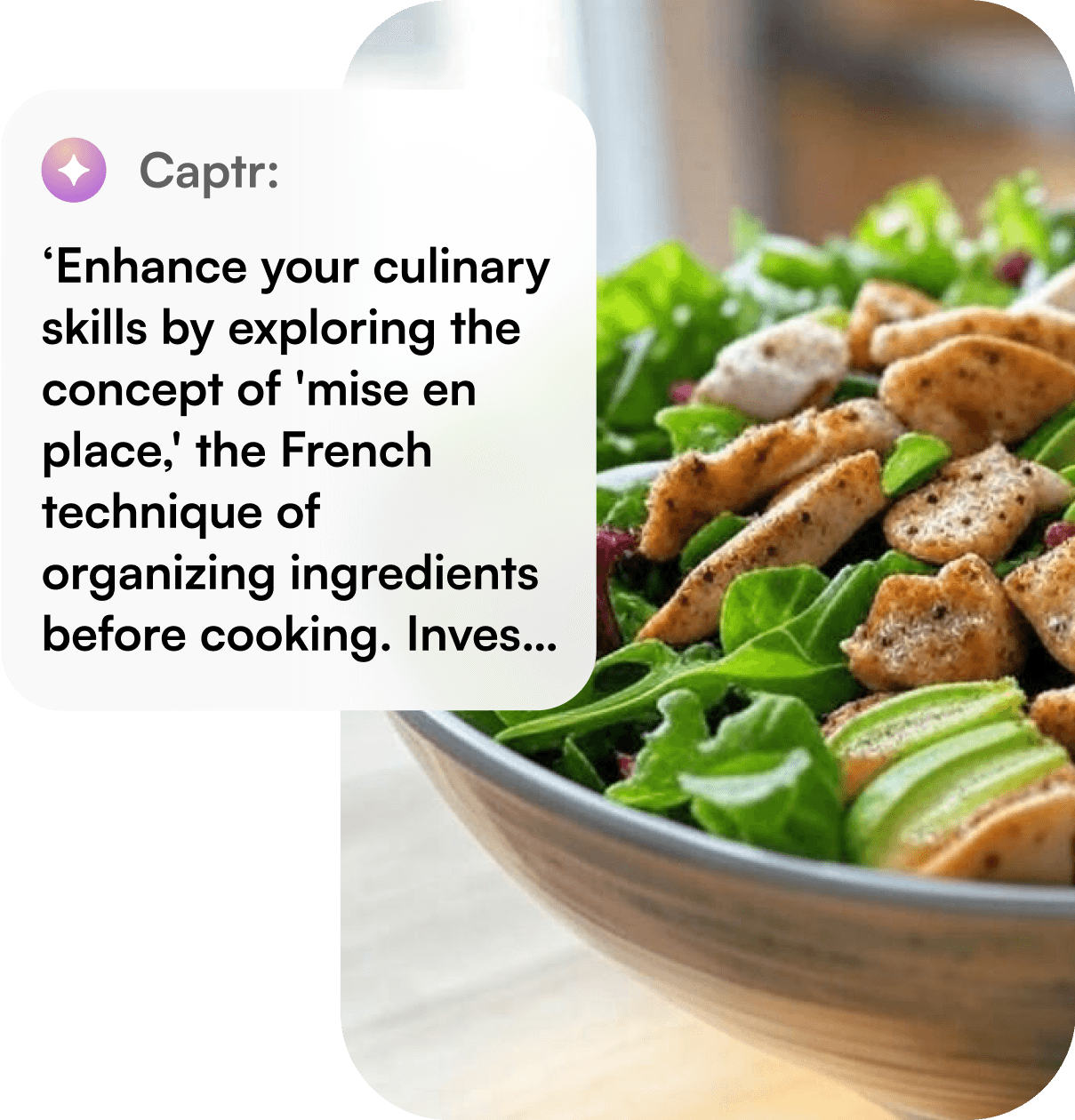
More than a place to screen save on iPhone, Captr helps expand on your ideas.

Inspiration saver.
Whether you're trying to organize pics on iPhone or keep track of creative inspiration.
Drowning in screenshots?
Let Captr Take Care Of It All.
Captr is more than a screenshot organizer app, it's your personal system for management that matters to you. Every screenshot you take is automatically uploaded, organized, and ready when you need it.

Move screenshots off your device
Automatically upload and organize screenshots with Captr.
Get smart descriptions
Captr adds context to your screenshots, turning random images into searchable, organized notes.
Discover AI-powered insights
Get personalized suggestions based on what you’ve saved.
Transform into tasks
Convert screenshots into reminders, to-dos, and follow-ups with just a tap.
Free up space
Move screenshots off your device to arrange its space while keeping them safe, organized, and easy to find.
And more...
Categorization, seamless access, and easy management.
Smarter inspiration, powered by AI
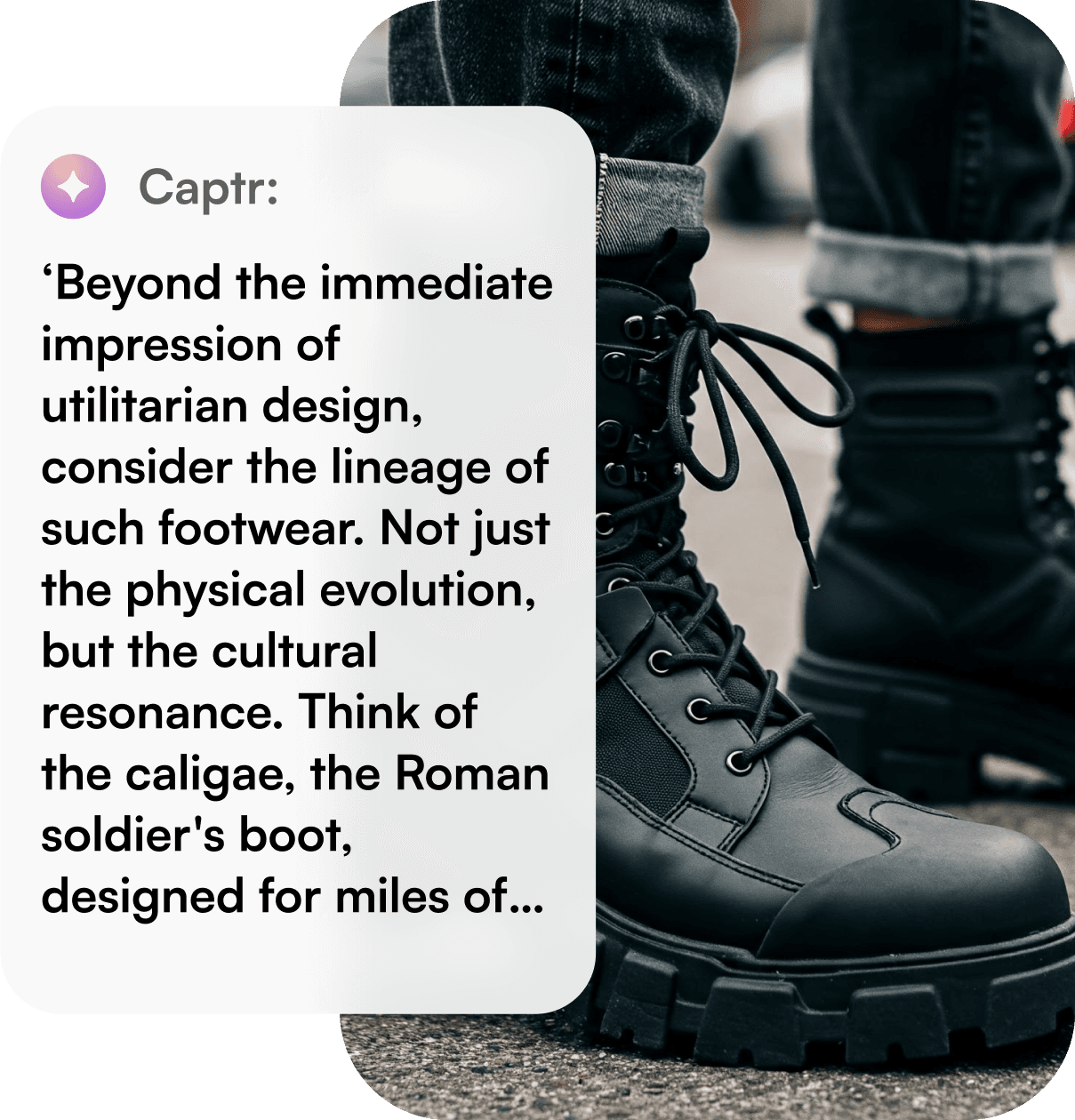
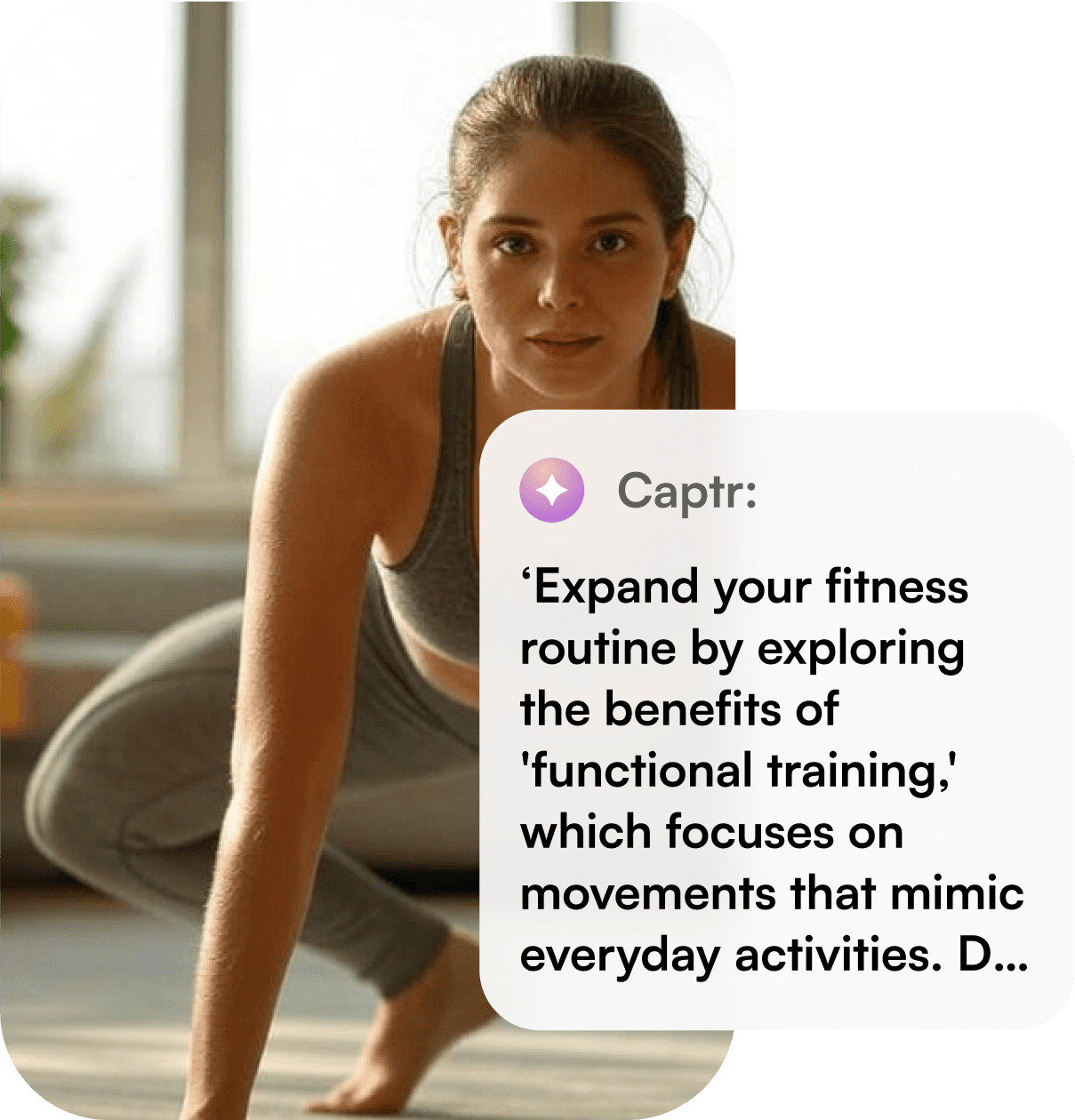
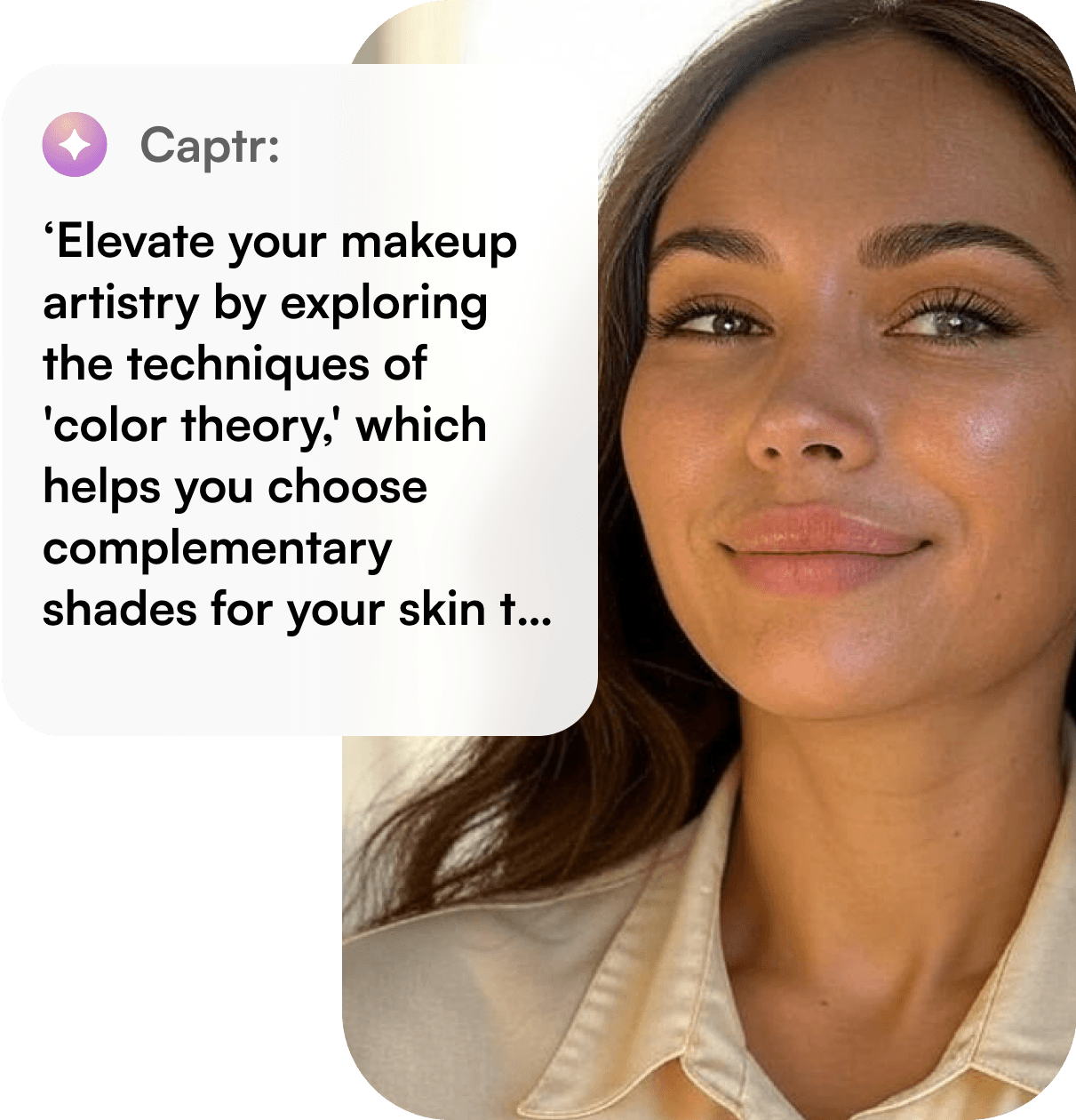
Captr isn’t just an app for screenshot iPhone users, it’s your creative assistant. With a smart screenshots categorization and organization, Captr learns what you save and suggests similar ideas, products, and content to keep your inspiration flowing.


App that makes your life easier
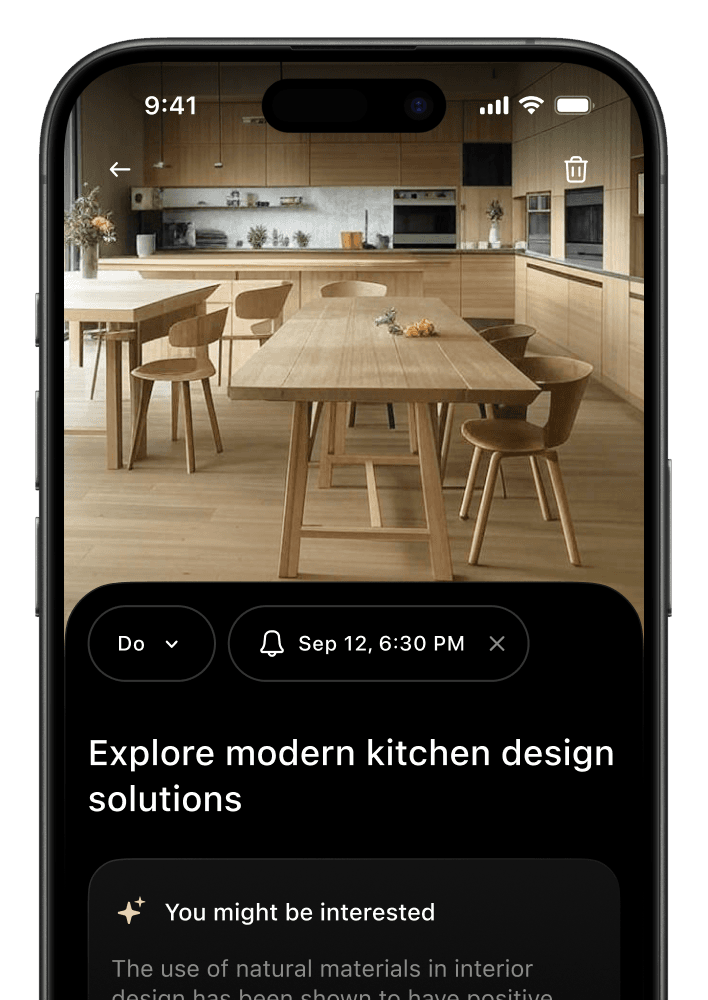
Turn screenshots into tasks
Ever screenshot something to deal with it later — and then forget about it? With Captr, you can turn those screenshots into real tasks, complete with reminders. No more lost to-dos hiding in your camera roll.
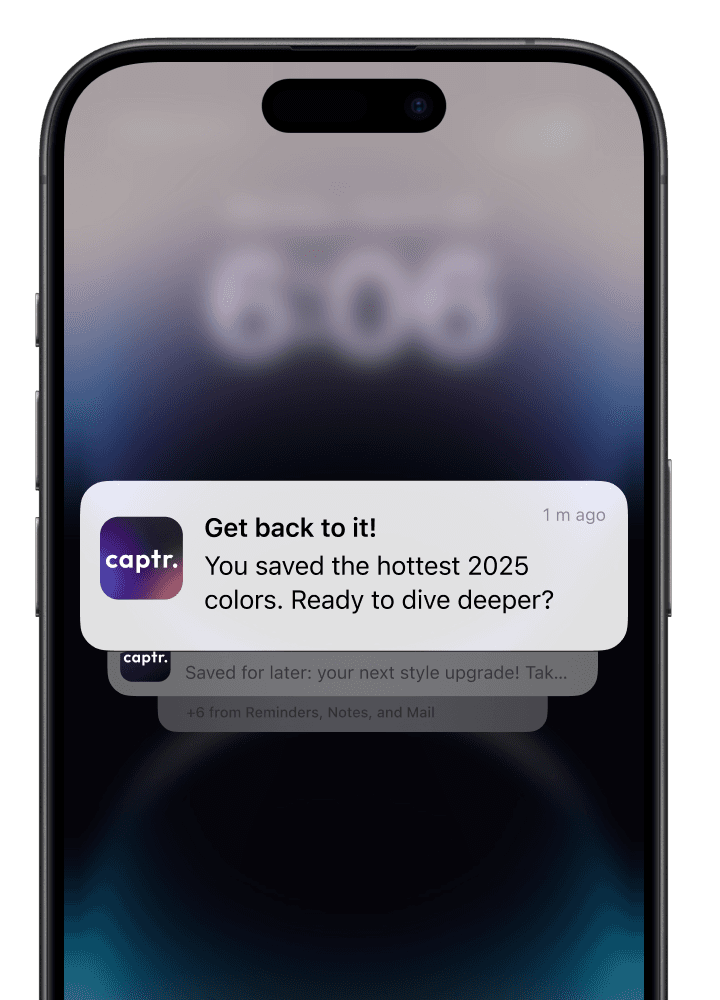
Get reminded when it counts
Captr uses AI to understand what you’re saving and when you might need it. You’ll get gentle nudges at the right time, so you can follow through without constantly checking your notes.
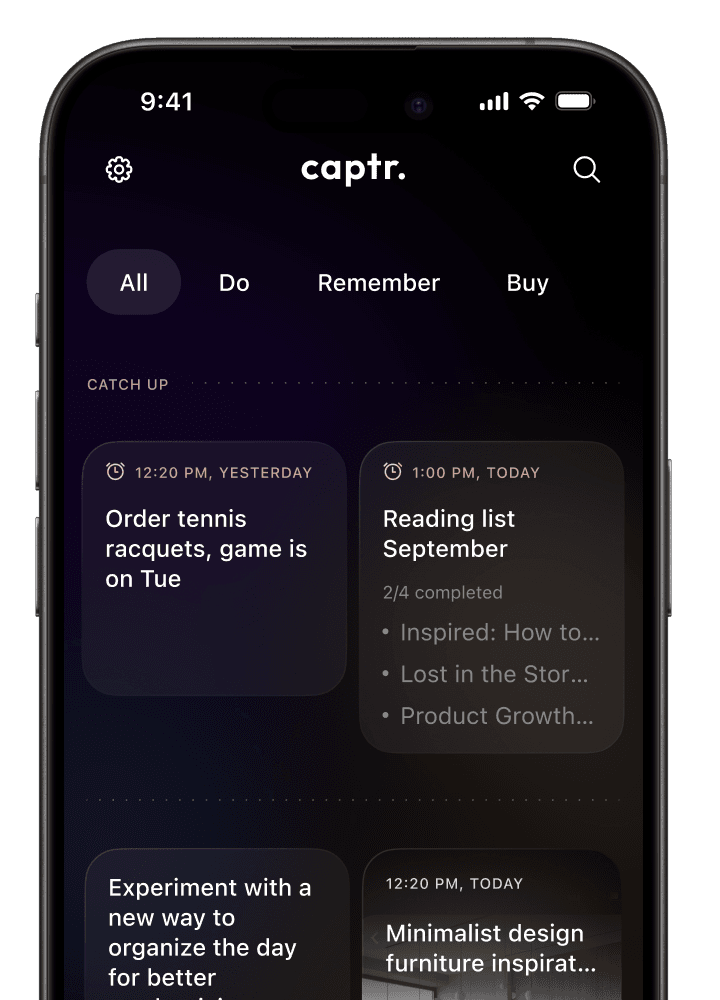
Keep everything in one place
From outfit ideas and recipes to shopping lists and project plans, Captr keeps all your screenshot-based tasks organized in one clean, easy-to-use space. Missed something? The Catch Up section helps you stay on track.
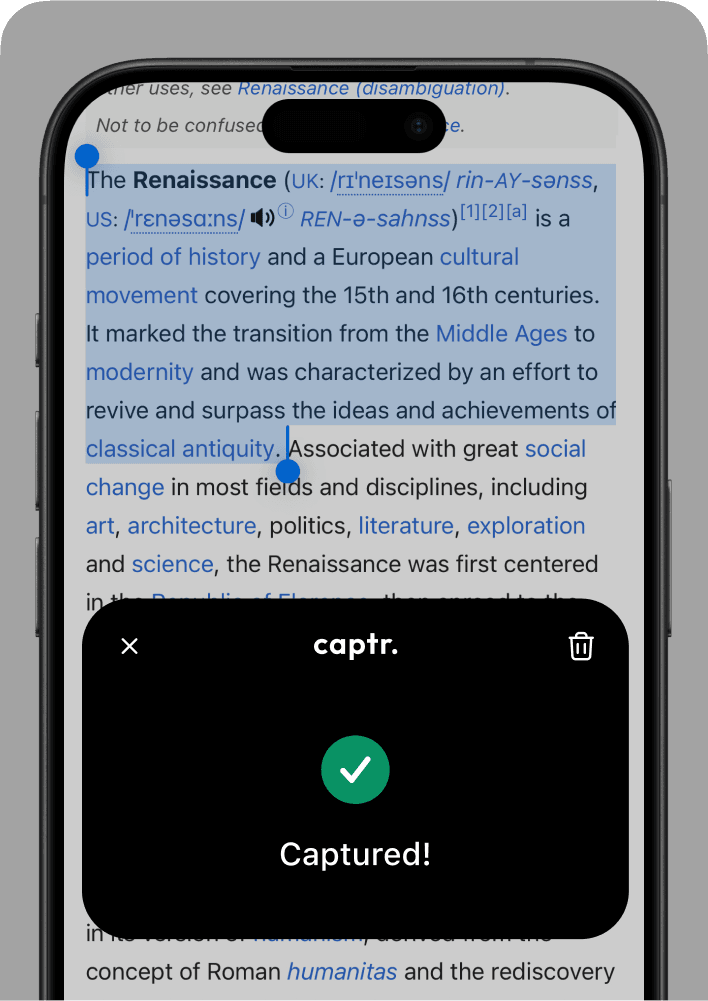
Save more than just screenshots*
You’re not limited to images. Save links, quotes, messages, or anything else that inspires you. Captr helps you turn it all into something useful — whether that’s a to-do, a reminder, or just a place to revisit later.
Frequently asked questions
On most iPhones, your screenshots are saved automatically to the Screenshots album in the Photos app. But with Captr, you can automatically upload and organize them, so you don't have to dig through your photo library to find what you saved.
To take a screenshot on an iPhone, press the Side button and Volume Up button at the same time (or the Home button and Side button on older models). The image is saved instantly — and if you have Captr, it's automatically added to your organized collection.
You can open the Screenshots album, but if you use Captr, all your screenshots are categorized, searchable, and easy to browse by topic, date, or tag. It's the best way to manage and find your saved content.
Yes. Captr uses AI to detect the content of your screenshots and sorts them into helpful categories like to-dos, inspiration, products, or notes — giving you smarter organization without the effort.
Absolutely. Once your screenshots are uploaded to Captr, you can remove them from your device without losing access. It's a great way to keep your phone organised while still holding onto everything important for you.

Capture, save, and organize what matters. Let Captr turn chaos into actionable inspiration.